Mastering the Workflow for 3D Kids Card Laser Cut Projects
The intersection of digital design and tangible craft has created a new category of creative assets, with the 3D Kids Card Laser Cut standing out as a versatile tool for makers, educators, and small business owners. This digital product represents more than just a file download; it is the foundational blueprint for creating high-quality, personalized stationery and decorative items. Understanding how to integrate this asset into your existing workflow is essential for maximizing its potential, ensuring professional results, and streamlining the production process from concept to final delivery.
Understanding the Digital Asset Structure
Before diving into the cutting phase, it is crucial to grasp the nature of the 3D Kids Card Laser Cut product. Unlike traditional physical goods, this offering is entirely digital. Upon purchase, you receive a compressed zip folder containing a single design available in multiple formats: SVG, DXF, EPS, PDF, JPEG, and PNG. Each file type serves a specific function within the broader production pipeline.
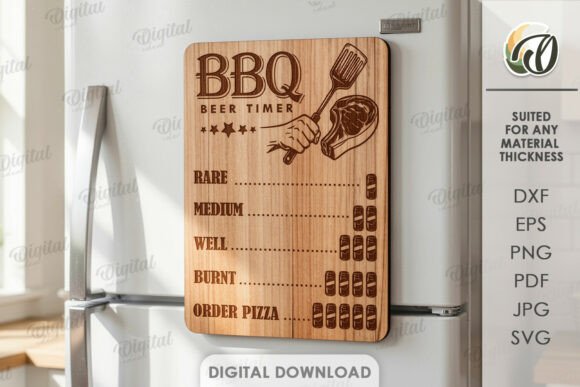
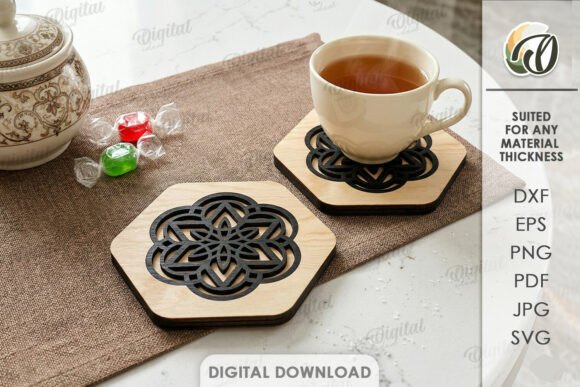
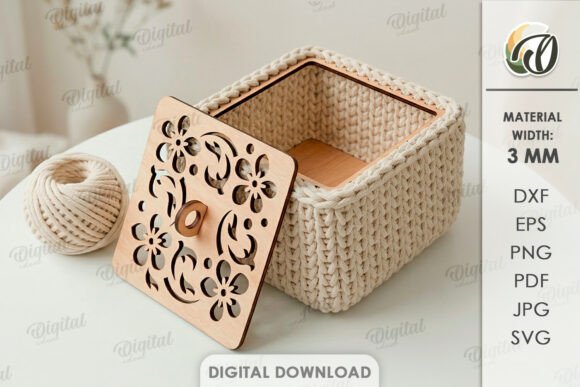
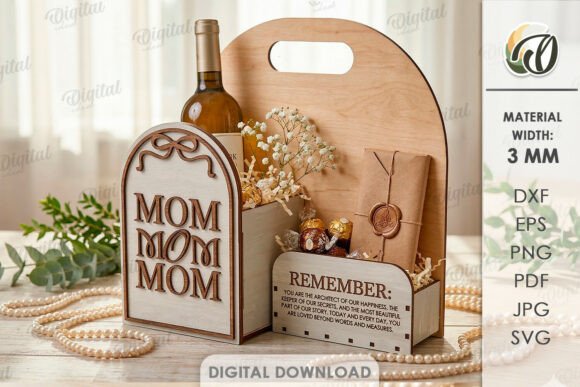
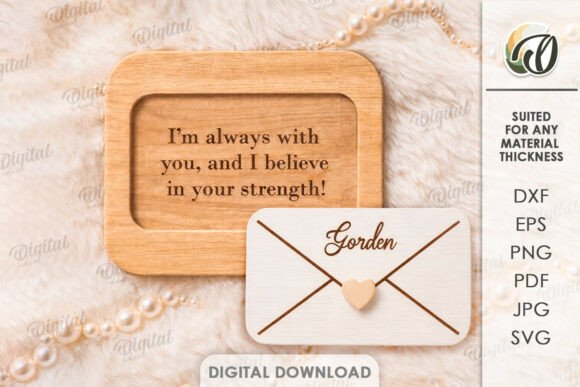
The vector formats—SVG, DXF, and EPS—are the workhorses of the laser cutting process. These files define the precise paths that the laser beam will follow, ensuring clean edges and accurate dimensions. The raster formats, such as JPEG and PNG, serve as visual references or mockups, allowing you to visualize the final outcome before committing materials. It is important to remember that the promotional photos associated with this product are intended solely for inspiration. They demonstrate what is possible but do not represent the exact physical item you will create, as the final result depends on your choice of material, color, and assembly technique.
Pre-Production Planning and Material Selection
Successful implementation of a 3D Kids Card Laser Cut design begins long before the machine is turned on. The planning phase involves selecting the right substrate to match the intended use case. For children's cards, cardstock is the most common choice due to its rigidity and ability to hold intricate cuts without warping. However, depending on the desired aesthetic, you might explore chipboard for a sturdier, puzzle-like feel, or even thin plywood for a rustic, eco-friendly option.
Compatibility is a key factor during this stage. You must ensure that your chosen material thickness aligns with the capabilities of your laser cutter. A design optimized for 2mm paper may fail if attempted on 5mm wood without adjusting power and speed settings. Furthermore, consider the color palette. Since the laser cuts through the material, the natural color of the stock becomes part of the design. If you require specific colors, pre-colored cardstock or post-cut dyeing techniques may be necessary. This preparation ensures that the transition from digital file to physical object is seamless and efficient.
Integrating File Formats into Your Software Ecosystem
The versatility of the 3D Kids Card Laser Cut package lies in its multi-format delivery. Different laser cutting machines and design software prefer different file types. For instance, many modern laser engravers utilize proprietary software that imports SVG files natively, while older industrial machines often rely on DXF files generated by CAD programs like AutoCAD or CorelDRAW.
If you are using Adobe Illustrator, the EPS format provides excellent scalability and layer management, allowing you to separate cut lines from score lines if the design includes them. For those who prefer open-source solutions, Inkscape handles SVG files with precision, making it an accessible entry point for hobbyists. The PDF version offers a universal fallback, useful for quick previews or sending instructions to third-party fulfillment centers. By understanding which file format best suits your specific software stack, you reduce the risk of import errors and save valuable time during the setup process.
Workflow Integration for Business and Hobbyists
For entrepreneurs running small businesses or Etsy shops, the 3D Kids Card Laser Cut design can be integrated into a scalable production model. Instead of designing every card from scratch, you can use this template as a base, customizing text or minor elements to meet client requests. This approach balances originality with efficiency. You can batch process orders, cutting multiple cards at once to maximize machine uptime and minimize energy costs.
Educators and event planners can also leverage this asset effectively. Imagine a classroom activity where students assemble their own 3D cards as part of a geometry lesson, learning about depth, structure, and spatial reasoning. The pre-designed nature of the file removes the barrier of complex drafting, allowing the focus to remain on the assembly and creative expression. Similarly, for corporate events or birthday parties, these cards can serve as unique party favors or invitations, adding a tactile element that standard printed cards cannot match.
Quality Control and Assembly Techniques
Once the cutting phase is complete, the focus shifts to quality control and assembly. Because the 3D Kids Card Laser Cut relies on layered construction to achieve its three-dimensional effect, precision is paramount. Inspect each piece for burn marks or incomplete cuts, which can occur if the laser power was too high or the lens was dirty. Clean edges are essential for a professional finish, especially when the card is intended for gifting.
Assembly requires patience and the right adhesives. Standard glue sticks may not provide enough holding power for thicker materials. Double-sided tape or liquid glue applied sparingly to the inner flaps often yields better results. Test the mechanism before final assembly to ensure the pop-up elements move freely and lock into place securely. This step is critical for user experience; a card that jams or collapses easily diminishes the perceived value of the product.
Long-Term Usability and Design Iteration
The value of a digital asset like the 3D Kids Card Laser Cut extends beyond a single project. Once downloaded, the files belong to you indefinitely. This allows for experimentation with different materials, colors, and sizes without additional cost. You can iterate on the design, perhaps modifying the scale for a larger banner or adapting the theme for different holidays while retaining the core structural integrity of the original layout.
Organizing your digital library is also part of long-term usability. Store the original zip folder in a dedicated directory alongside your other templates. Keep notes on the specific settings used for successful cuts (power, speed, frequency) so you can replicate results consistently. Over time, this collection of data becomes a valuable resource, turning a simple file download into a robust component of your creative toolkit.
Maximizing Efficiency in Creative Processes
Efficiency in crafting is often determined by how well digital tools complement physical actions. The 3D Kids Card Laser Cut design eliminates the need for manual drafting and scoring, significantly reducing the time required to produce high-quality items. This time savings can be redirected toward marketing, customer service, or developing new product lines. For freelancers and bloggers, having a reliable, repeatable design asset means you can fulfill orders faster and maintain a consistent brand aesthetic across all your products.
Furthermore, the ability to test designs digitally before cutting physical materials reduces waste. You can simulate the layout in your design software to check for alignment issues or spacing problems. This proactive approach minimizes material loss and ensures that every sheet of cardstock contributes to a sellable or usable product. By treating the digital file as a strategic asset rather than a one-time download, you enhance the overall productivity of your creative workflow.
Conclusion: A Strategic Asset for Modern Makers
The 3D Kids Card Laser Cut represents a practical solution for anyone looking to bridge the gap between digital design and physical creation. Whether you are a professional manufacturer, a passionate hobbyist, or an educator seeking engaging materials, this digital product offers the flexibility and precision needed for successful outcomes. By carefully planning your material selection, mastering your software integration, and adhering to strict quality control measures, you can transform a simple file into a stunning, tangible masterpiece. The possibilities for creation are indeed endless, limited only by your imagination and the resources at your disposal. As you continue to refine your processes, remember that the true value lies not just in the design itself, but in how seamlessly it fits into your unique workflow.